10 Best AI Productivity Tools for Freelancers and Solopreneurs in 2026
The era of the “solopreneur” has evolved. In 2026, being a freelancer doesn’t mean you’re a “one-person show” anymore; it means you are the CEO of a digital department powered by Agentic AI. According to recent industry reports, the AI productivity market is set to hit a staggering $16 billion this year, with freelancers leading the charge in adoption.
Imagine having a research assistant, a project manager, a social media strategist, and a technical editor all working for you—without the overhead of a payroll. This isn’t science fiction; it’s the current reality for high-earning independent professionals. As we navigate 2026, the gap between those who struggle and those who scale is defined by their tech stack.
Whether you are a developer, a creative, or a consultant, these are the 10 best AI productivity tools designed to help you reclaim 40% of your workweek.
1. ClickUp: The Autonomous Operations Hub
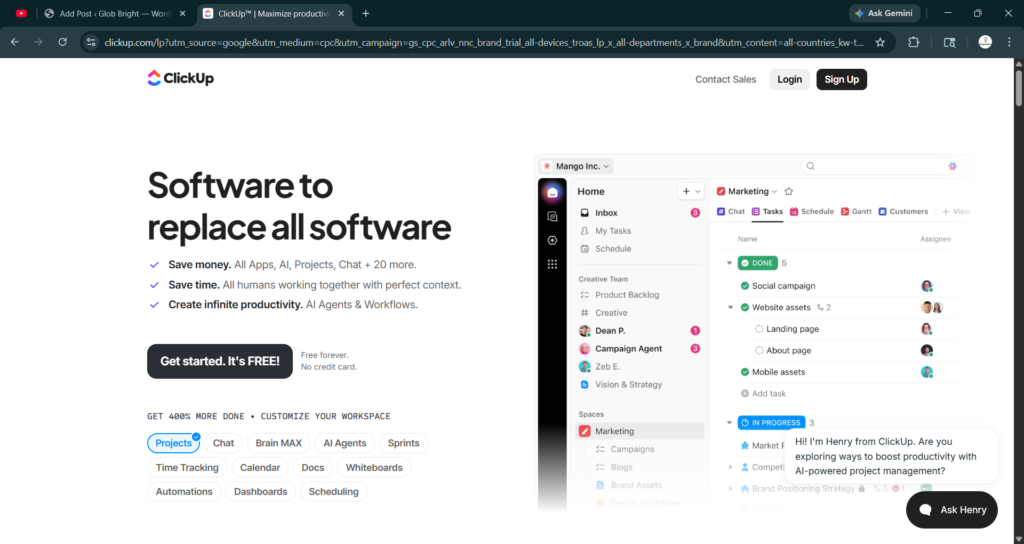
In 2026, ClickUp has transcended simple task management. Its new “Super Agents” are autonomous personas that don’t just remind you of deadlines; they actively triage your emails, summarize Slack threads, and draft project briefs based on your previous work patterns.
For a solopreneur, the “Everything App” philosophy is a lifesaver. Instead of jumping between five different tools, ClickUp’s AI Brain connects your docs, tasks, and chats. If a client sends a vague email about a “new direction,” the Super Agent can analyze the sentiment, cross-reference it with your current project scope, and suggest a polite but firm response or an updated contract.
2. Notion AI: The Second Brain That Thinks Back
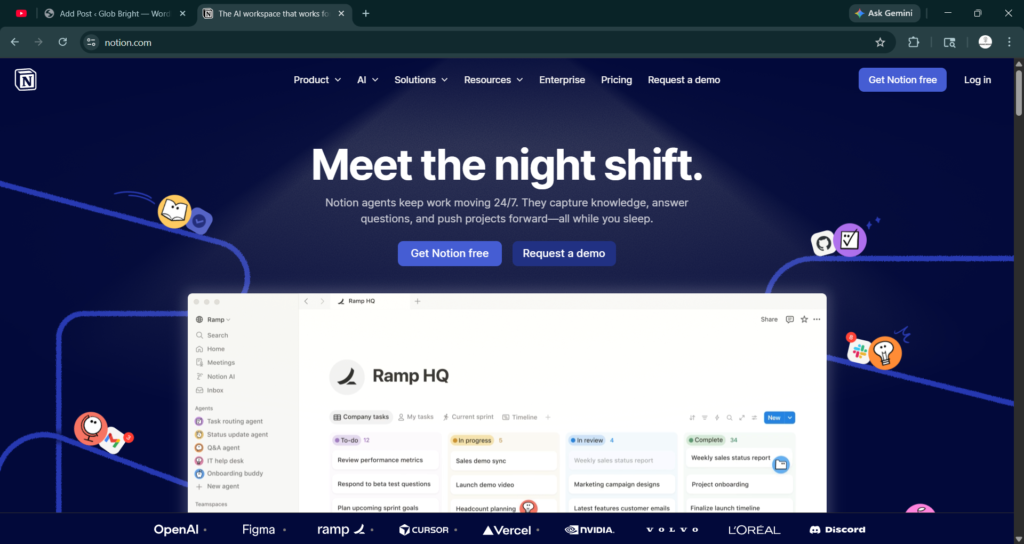
Notion has solidified its place as the ultimate knowledge base. In 2026, Notion AI’s “Research Mode” is the standout feature. It can now search across your entire tech stack—integrating with Google Drive, Slack, and even GitHub—to answer questions in plain language.
If you’re a freelance writer, you can ask, “What did I tell the client last month about the brand voice?” and Notion will pull the answer from a buried PDF in your Drive. Its “Database Autofill” feature also uses AI to categorize and summarize entries automatically, making lead tracking and content planning completely hands-off.
3. Motion: The Intelligent Calendar
As a solopreneur, your most precious resource is time. Motion uses sophisticated algorithms to build your daily schedule for you. In 2026, its Pro AI Task Planner doesn’t just slot tasks into open gaps; it understands your “deep work” peaks.
If a meeting is booked unexpectedly, Motion automatically reshuffles your entire week’s tasks based on priority, ensuring you never miss a deadline. It’s like having a high-level executive assistant who knows exactly when you’re too tired to code and when you’re most creative for brainstorming.
4. Canva Magic Studio: The All-in-One Creative Suite
Visual storytelling is non-negotiable in 2026. Canva’s Magic Studio has democratized high-end design. With features like Magic Design, you can upload a rough sketch or a brand kit and have a full suite of social media assets, brochures, and even short-form videos generated in seconds.
For freelancers who aren’t “designers” by trade, Canva’s AI handles the heavy lifting of color theory, layout hierarchy, and even video synchronization. It’s the difference between a “DIY” look and a professional brand identity.
5. Fireflies.ai: The Memory You Can Search
Meetings are a necessary evil for consultants. Fireflies.ai records, transcribes, and summarizes your calls across Zoom, Teams, and Google Meet. But in 2026, it does more than just take notes; it identifies “Action Items” and automatically pushes them into your CRM or project management tool.
Imagine finishing a discovery call and immediately having a follow-up email draft and a task list ready in your inbox. It eliminates the “post-meeting lag” that often kills productivity.
6. Jasper AI: The Brand Voice Guardian
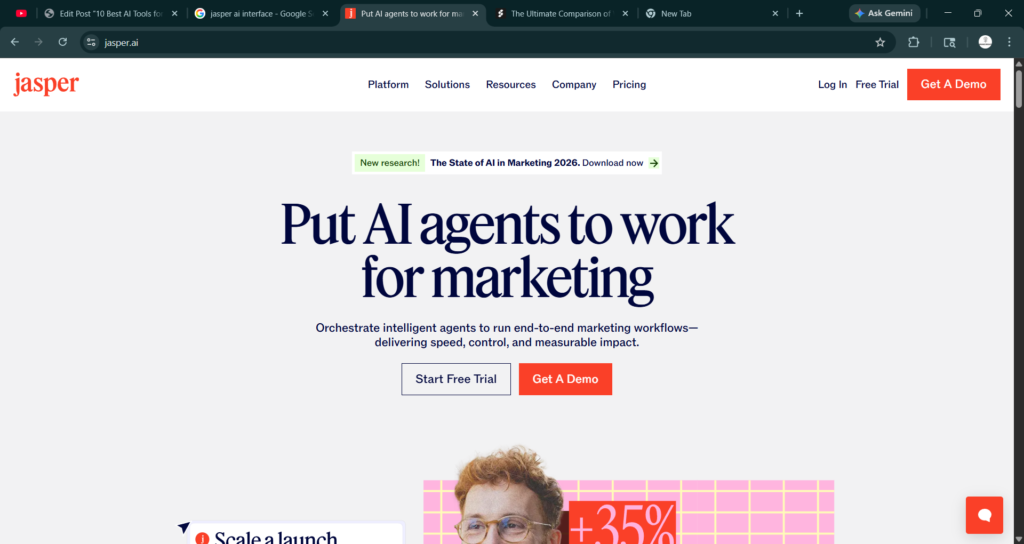
Writing isn’t just about putting words on a page; it’s about maintaining a consistent brand voice. Jasper AI in 2026 has mastered “Style Memory.” It learns your specific tone—whether it’s witty, academic, or corporate—and ensures every piece of content, from LinkedIn posts to whitepapers, sounds like you.
For solopreneurs managing multiple clients, Jasper can switch between different “Brand Voices” instantly, saving hours of mental context-switching.
7. Zapier Central: The Automation Architect
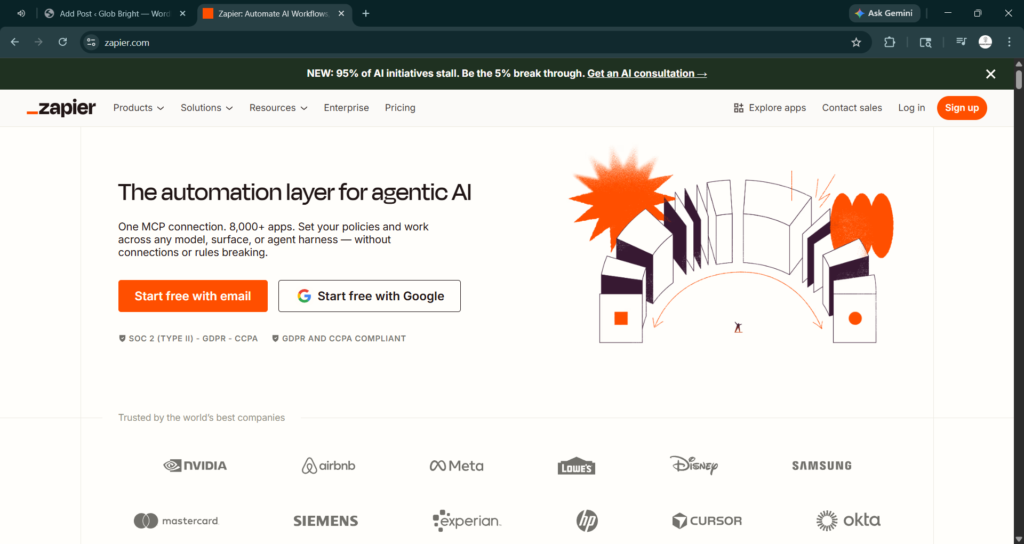
If tools are the players, Zapier Central is the coach. In 2026, you no longer need to build complex “Zaps” manually. You can talk to Zapier’s AI bots and tell them, “Whenever I get a new lead via Typeform, check if they are in my CRM, and if not, create a profile and send them my portfolio.”
This level of GenOps (Generative Operations) allows a single person to manage a workflow that previously required a small operations team.
8. Adobe Firefly (Integrated with Creative Cloud)
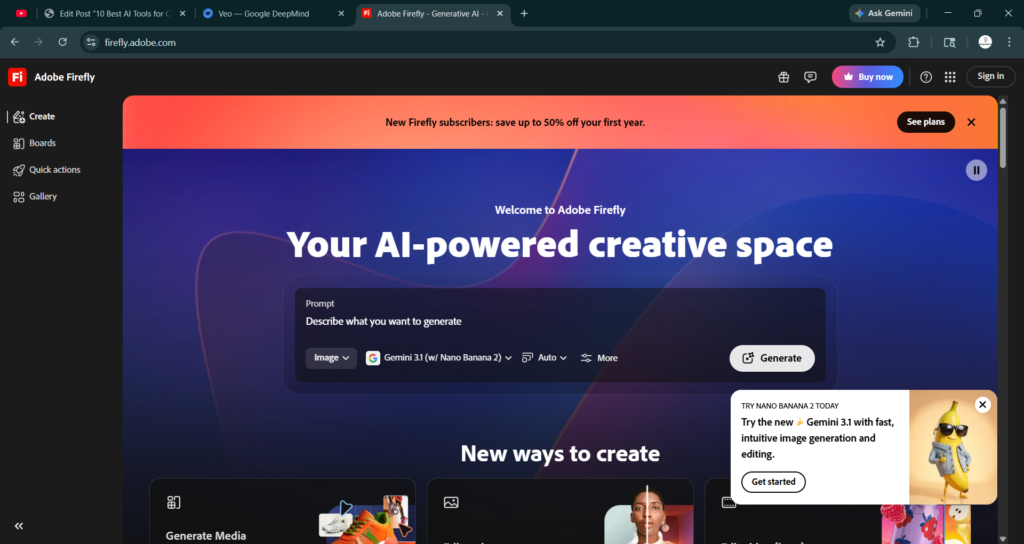
For the creative freelancer, Adobe Firefly is a powerhouse. Integrated directly into Photoshop and Illustrator, it allows for generative fill and text-to-vector features that are light years ahead of 2024 models. In 2026, its ability to handle commercial-safe generation is its biggest selling point, ensuring freelancers don’t run into copyright issues with their AI-assisted designs.
9. Perplexity AI: The Research Powerhouse
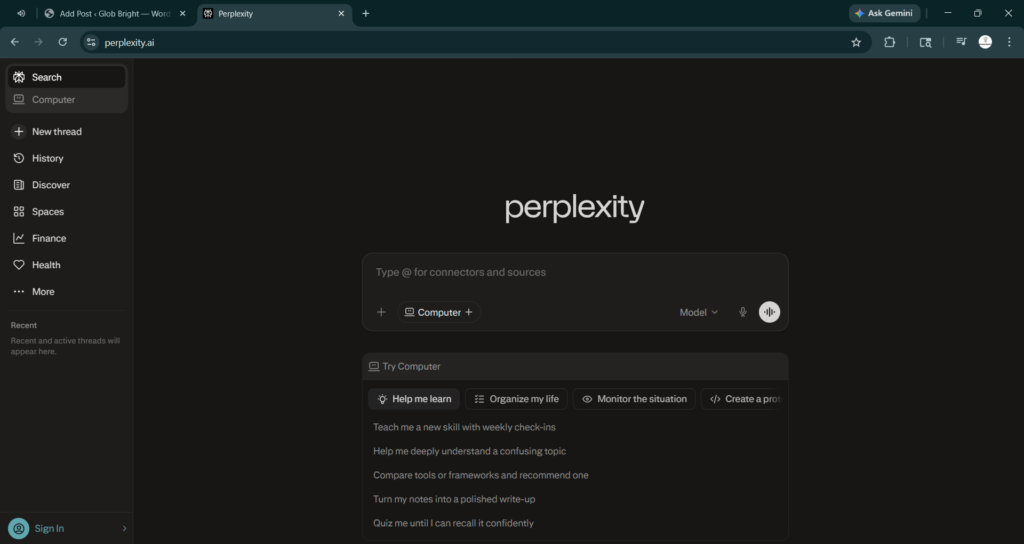
Google is for searching; Perplexity is for finding. For freelancers who need to perform deep research—like market researchers or technical writers—Perplexity provides cited, real-time answers. In 2026, its “Pages” feature allows you to turn a research thread into a beautifully formatted report instantly, which you can share directly with clients.
10. ElevenLabs: The Voice of Your Brand
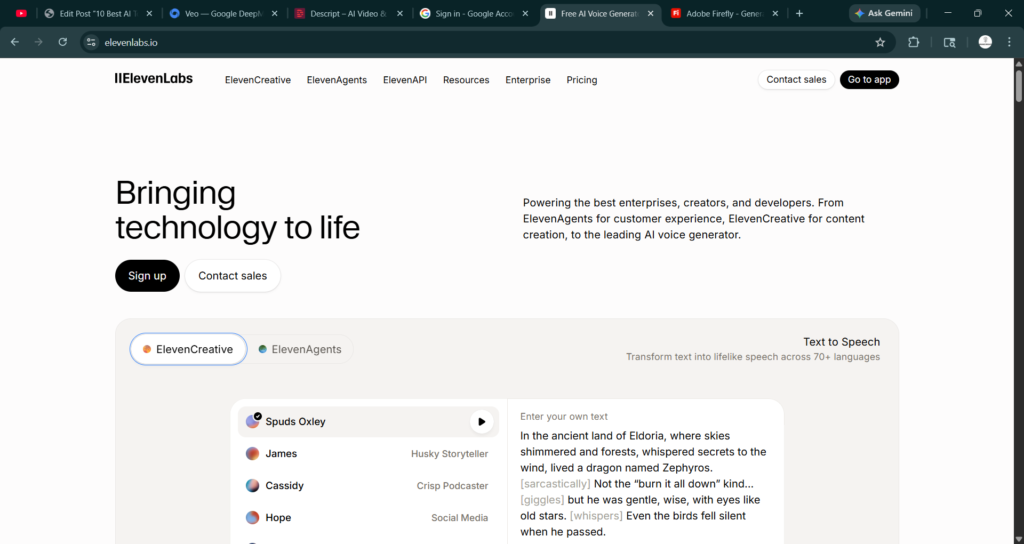
Podcasting and video content are high-conversion channels for solopreneurs. ElevenLabs offers lifelike AI voice synthesis. In 2026, their “Voice Cloning” is indistinguishable from reality, allowing you to narrate your blog posts or create video voiceovers without ever stepping into a recording booth. It’s the ultimate tool for scaling your personal brand without losing the human touch.
The ROI of AI: Why Solopreneurs Should Care
The shift to AI isn’t just about “working faster”; it’s about profit margins. A 2026 study by PwC indicates that “agentic AI” (AI that can take action) is boosting productivity by up to 40% in digital firms. For a freelancer, that 40% represents either more time with family or the ability to take on two additional high-paying clients without burnout.
Moreover, the cost of these tools has dropped significantly. Most offer “pay-per-use” or affordable tiers for individuals, making the barrier to entry lower than ever. If you aren’t investing at least $100 a month in your AI stack, you are likely leaving thousands of dollars in billable time on the table.
Conclusion: Embracing the “Department of One”
The most successful freelancers in 2026 have moved past the fear of AI replacing them. Instead, they’ve realized that AI is the great equalizer. It allows a single individual to compete with mid-sized agencies by removing the friction of administrative “grunt work.”
To stay competitive, start small. Pick one tool—perhaps Motion for your schedule or Notion for your notes—and master its AI capabilities. Once you see the time coming back to your calendar, you won’t look back.
Actionable Takeaways for 2026:
- Audit Your Time: Use a tracker for one week to see where you spend the most “non-billable” hours. This is where you should implement AI first.
- Standardize Your Prompts: Keep a “Prompt Library” for tools like Jasper or Notion to ensure consistent results every time you generate content.
- Focus on Integration: Don’t just buy tools; buy connections. Ensure your stack (e.g., ClickUp + Zapier + Fireflies) talks to each other.
- Stay Ethical: Always disclose AI use to clients where appropriate and ensure you are using commercially safe tools like Adobe Firefly for design work.