The year 2026 marks a definitive era where the line between “AI-generated” and “human-captured” has virtually vanished. We are no longer in the “uncanny valley” of distorted limbs and melting backgrounds. Today, digital creators, marketing agencies, and indie filmmakers are wielding tools that offer “director-level” control from a simple browser tab.
The shift this year isn’t just about making an image; it’s about making the right image with pixel-perfect consistency. From Google’s Nano Banana 2—which has redefined speed for the professional world—to the cinematic mastery of Sora 2, the landscape is rich, diverse, and surprisingly accessible. Whether you are a solo entrepreneur looking for a free boost or a studio head managing a million-dollar pipeline, these ten tools represent the gold standard of 2026.
1. Nano Banana 2 (Gemini 3 Flash Image)
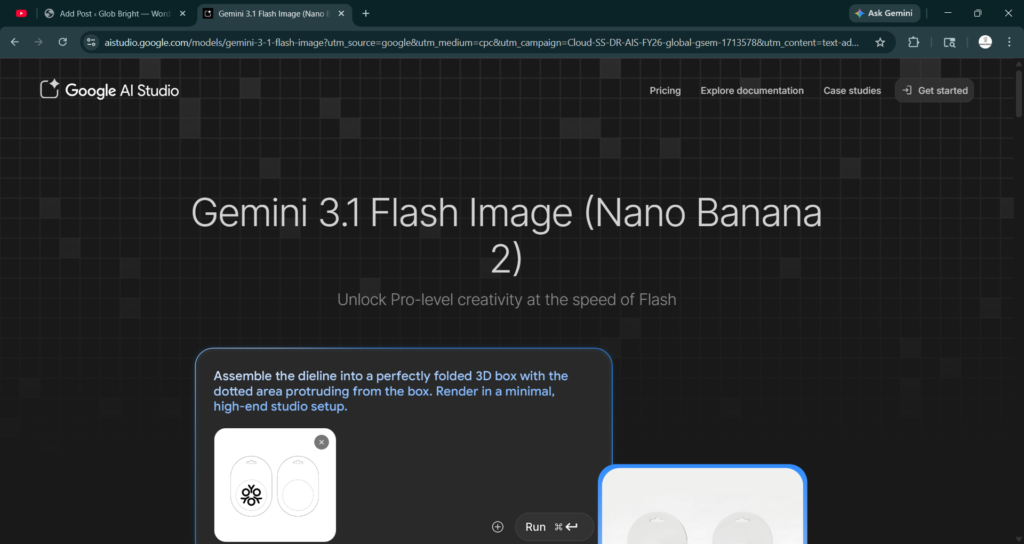
Best For: High-speed professional iteration and prompt accuracy.
In 2026, Nano Banana 2 (the official interface for Gemini 3 Flash Image) has become the “workhorse” of the industry. While other models focus on artistic flair, Nano Banana 2 prioritizes semantic accuracy. If you ask for a “vintage 1950s Leica camera on a mahogany desk with exactly three dust motes in the lens flare,” that is exactly what you get.
- Pricing: 50 free uses/day for AI Plus; high-volume API pricing is roughly $0.06 per 4K image.
- Key Insight: Its “Spatial Understanding” engine prevents the common AI mistake of placing objects in physically impossible positions.
2. Midjourney v7
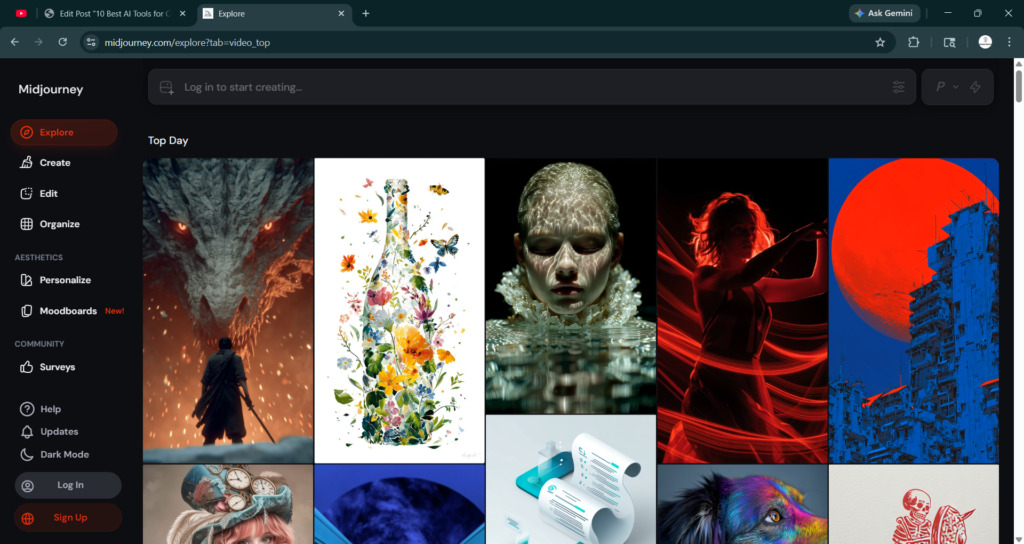
Best For: Unmatched artistic aesthetics and cinematic lighting.
Midjourney remains the king of “vibes.” Even in 2026, it holds the crown for the most beautiful, “photographic” textures. Its v7 update introduced Native 4K Upscaling, meaning you no longer need third-party tools to make your art print-ready.
- Pricing: Starts at $10/month; the $30/month “Standard” plan remains the sweet spot for pros.
- The Pro Move: Use the new “Draft Mode” to generate four variations in under 5 seconds before committing to a high-res render.
3. Google Veo 3.1
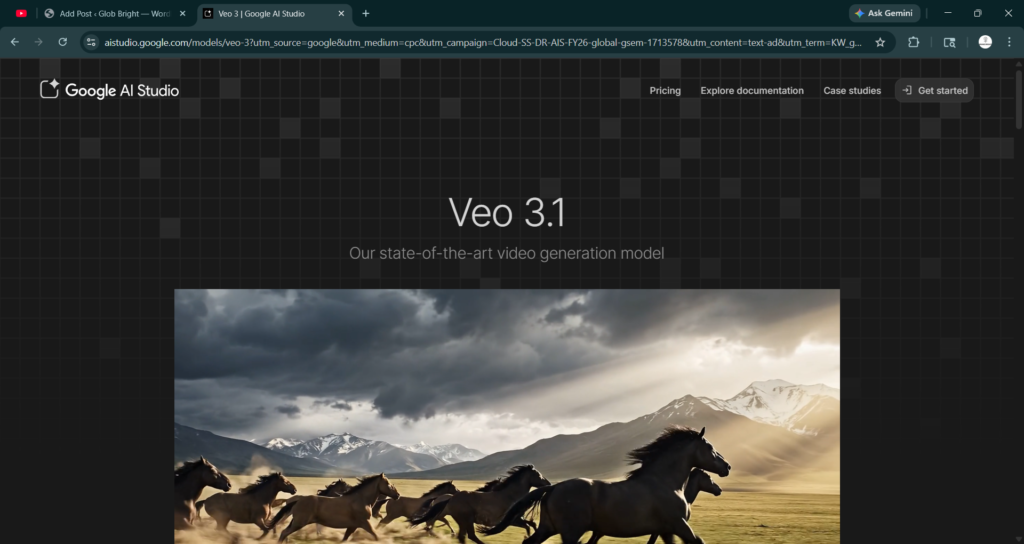
Best For: High-fidelity, consistent video generation with audio.
Google’s Veo has transitioned from a research project to a cinematic powerhouse. It is unique because it generates native high-fidelity audio alongside the video. If you generate a scene of a rainy London street, the syncopated rhythm of raindrops on umbrellas is automatically baked into the file.
- Pricing: 3–5 uses/day for Pro/Ultra subscribers; enterprise tiers available.
- Standout Feature: “Cinematic Consistency,” which allows you to keep the same character and environment across multiple 60-second clips.
4. Runway Gen-4 Turbo
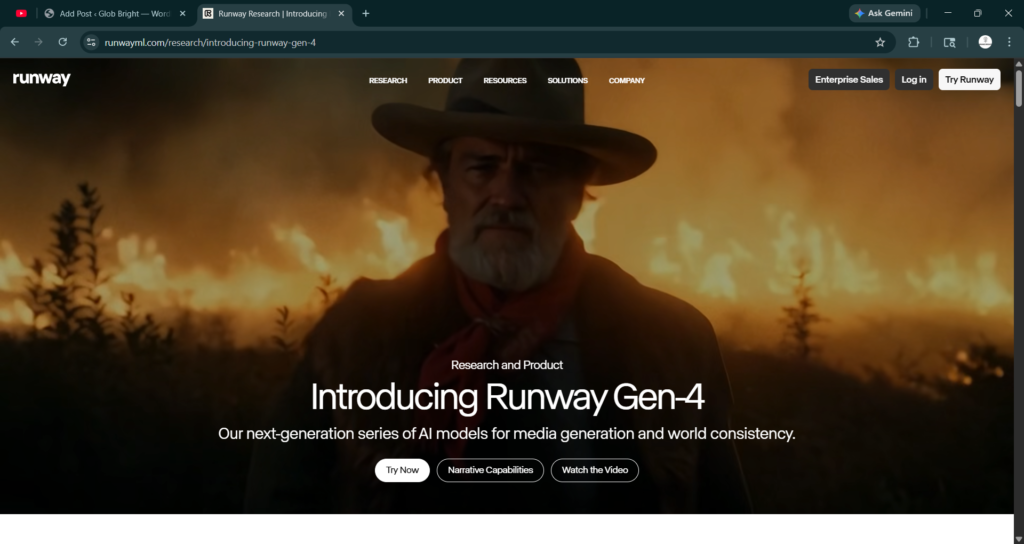
Best For: Professional filmmakers and motion control.
Runway continues to lead the “AI Film” movement. Their Act-Two feature is the standout of 2026—you can record yourself on a webcam, and the AI will map your exact facial expressions and body movements onto a 3D-generated character in real-time.
- Pricing: Limited free tier; Pro plans start at $15/month.
- Use Case: Ideal for indie creators who want to produce “Pixar-level” animation without a motion-capture suit.
5. Flux.2 Pro
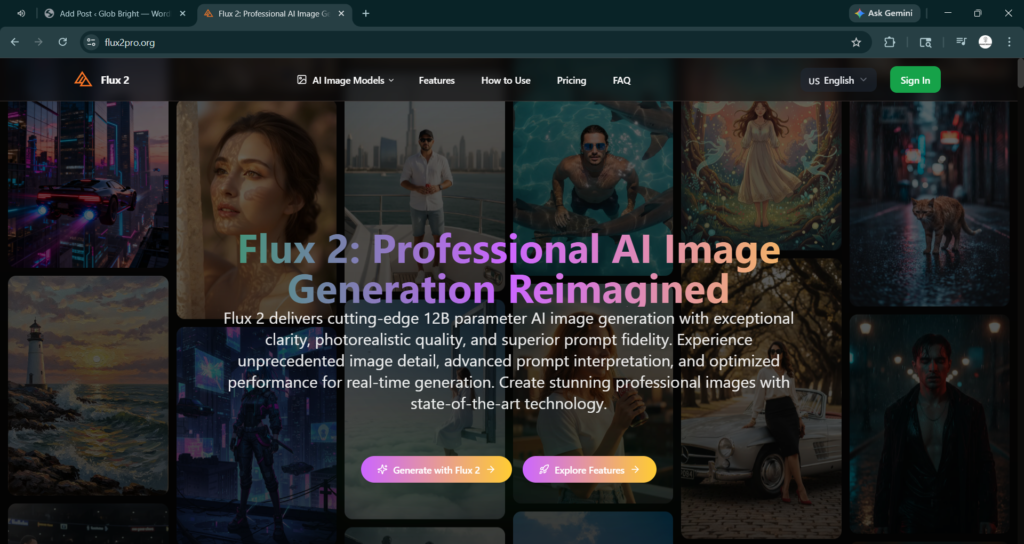
Best For: Photorealism and Open-Weights flexibility.
Developed by Black Forest Labs, Flux.2 is the darling of the developer community. It offers an “Open-Weights” version that you can run locally, providing ultimate privacy. In terms of skin texture and anatomical precision (yes, it finally mastered human hands), it is arguably the most realistic model on the market.
- Pricing: “Schnell” version is free; “Pro” is pay-per-generation (approx. $0.03/image).
- The Edge: It is the most reliable model for rendering legible, brand-accurate text within an image.
6. Sora 2 (OpenAI)
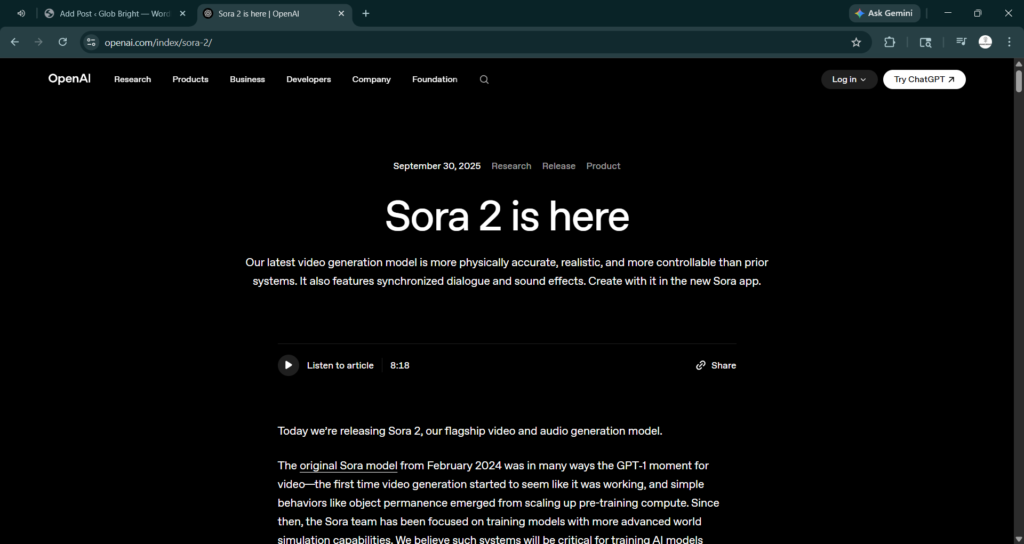
Best For: Long-form narrative storytelling.
OpenAI’s Sora 2 has solved the “memory” problem. While earlier video AI forgot what happened at the beginning of a clip by the end, Sora 2 can maintain narrative logic for up to 3 minutes. It is now deeply integrated into ChatGPT Plus, making it highly accessible.
- Pricing: Included in $20/month ChatGPT Plus (watermarked); $200/month for Pro (4K, no watermark).
- Why it Matters: It understands physics—water splashes correctly, and objects have a realistic weight when they fall.
7. Adobe Firefly (2026 Edition)
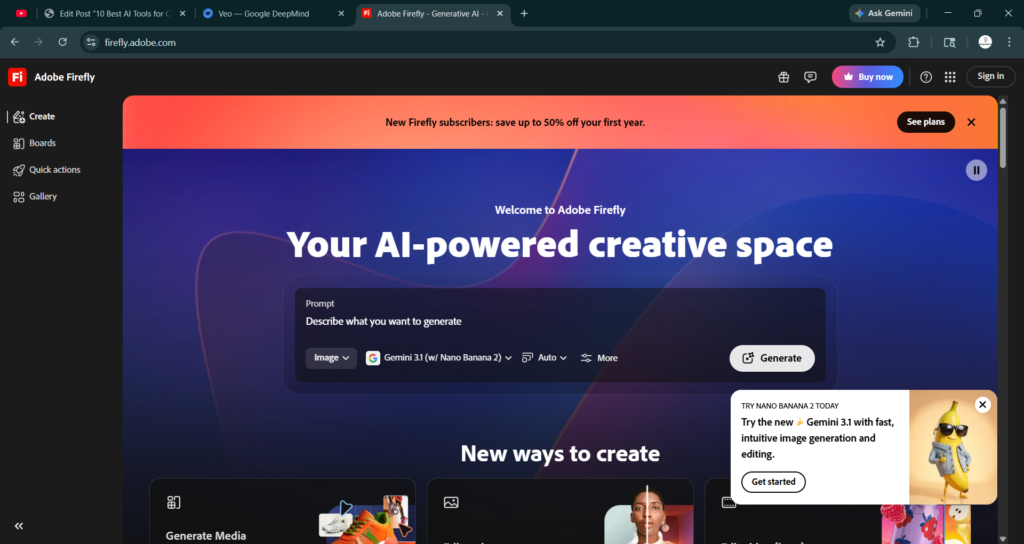
Best For: Corporate-safe, commercially-cleared assets.
For big brands, Adobe Firefly is the only choice. Because it’s trained exclusively on Adobe Stock and public domain content, it offers full IP indemnification. If you’re worried about copyright lawsuits, Firefly is your insurance policy.
- Pricing: Part of Creative Cloud; $19.99/month for standalone Pro.
- Killer Feature: “Structure Reference,” which lets you upload a sketch and have the AI fill in the professional details.
- 10 Best AI Tools for Digital Marketers in 2026
- The Visual Revolution: Best AI Image & Video Generators 2026
- 10 Best AI SEO Tools to Rank Higher in 2026
- The Future is Autopilot: 10 Best AI Tools for Small Businesses and Startups in 2026
- 10 Best AI Productivity Tools for Freelancers and Solopreneurs in 2026
8. Luma Dream Machine
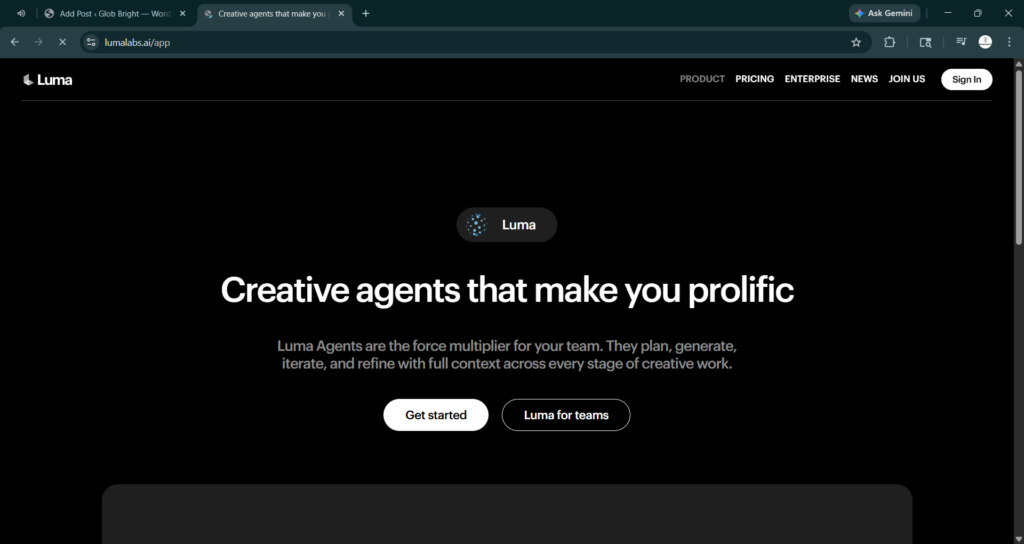
Best For: Rapid prototyping and “Memetic” video.
Luma is the fastest way to turn a “meme” or a funny thought into a high-quality video. It is highly popular among social media managers because of its Image-to-Video speed. You can take a static product photo and, within 20 seconds, have it flying through a neon-lit galaxy.
- Pricing: Free daily credits; $9.99/month for the Lite plan.
- Social Edge: Its vertical video (9:16) optimization is specifically tuned for TikTok and Reels.
9. Ideogram v3
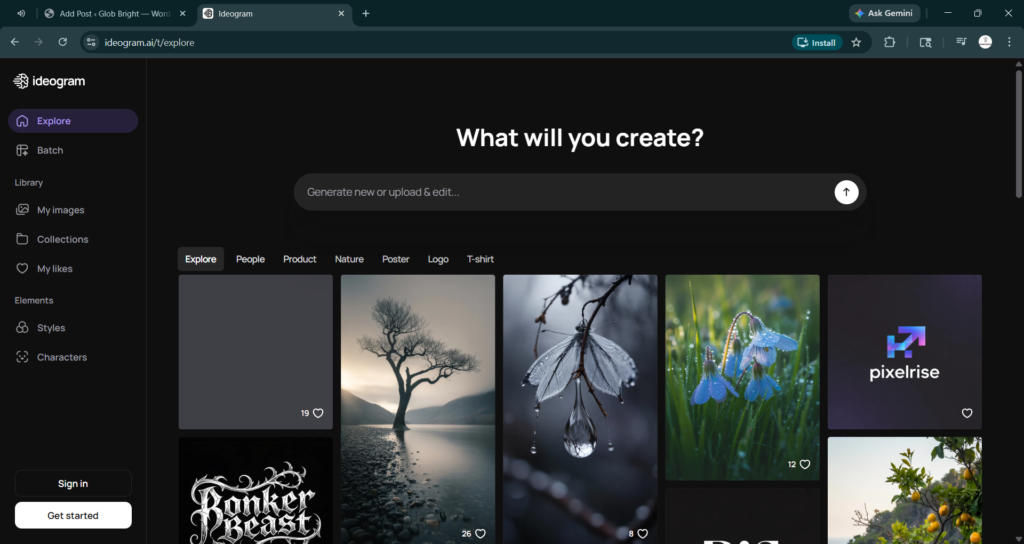
Best For: Graphic design, logos, and typography.
While other AIs struggle with spelling, Ideogram v3 is a master typographer. It can generate complex posters, t-shirt designs, and logos with perfect spelling and beautiful font layouts.
- Pricing: Free basic tier; $20/month for Pro.
- Design Tip: Use Ideogram for the “Base” of your marketing assets, then move them into Canva or Photoshop for final touches.
10. Leonardo.ai Phoenix
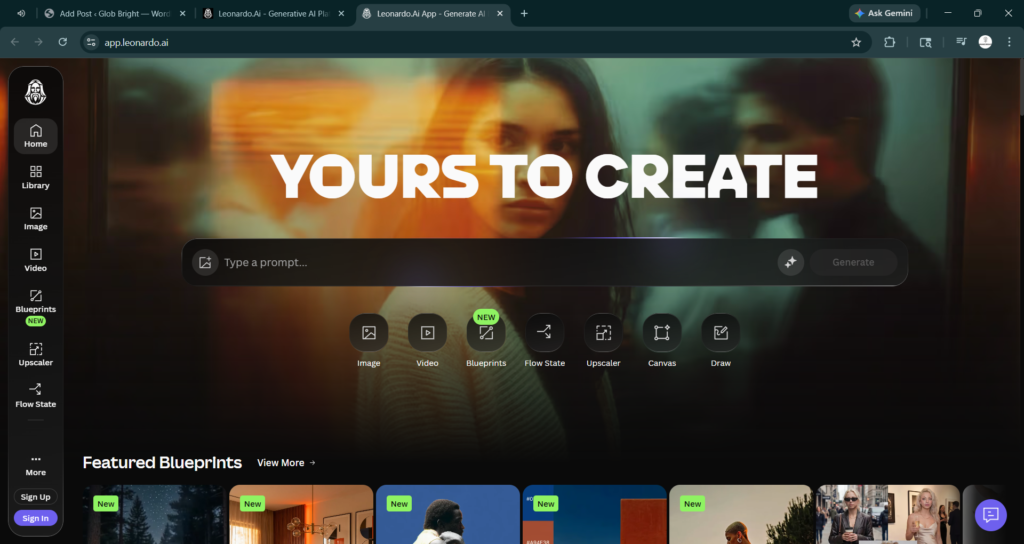
Best For: The “All-in-One” creative suite.
Leonardo.ai isn’t just a generator; it’s a full studio. Its Realtime Canvas allows you to paint a crude stick figure on the left, while the AI generates a photorealistic warrior on the right in real-time.
- Pricing: Very generous free tier; Pro starts at $30/month.
- Unique Tool: “Image Guidance” allows you to control the exact pose of a character using a reference photo.
Actionable Takeaways for 2026
- For Speed: Stick with Nano Banana 2 or Luma.
- For Quality: Use Midjourney v7 for images and Sora 2 for video.
- For Business: Adobe Firefly is the only safe bet for legal compliance.
- For Techies: Self-host Flux.2 to keep your data private and your costs zero.
Conclusion
The “Best” tool in 2026 is no longer about who has the biggest model, but who fits your specific workflow. The era of “AI as a toy” is over; we are now in the era of AI as a Teammate. By choosing the right tool for the right task, you aren’t just saving time—you’re expanding the boundaries of what you can imagine.